Home / Features
Sniffies Vanilla Mode
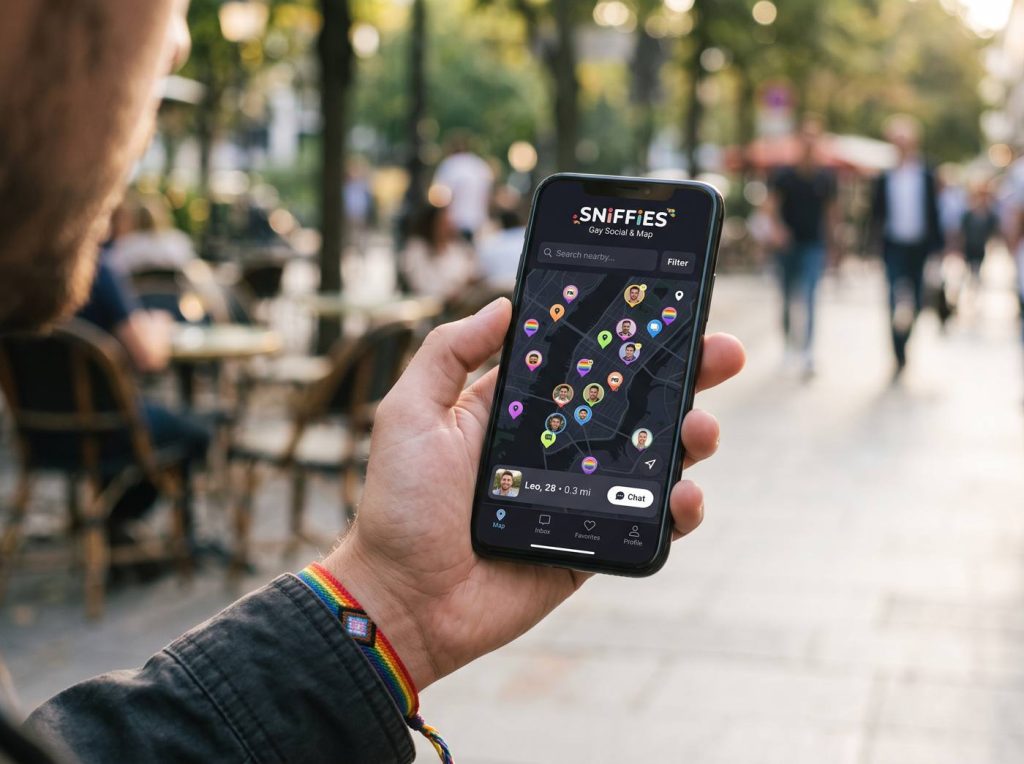
Introduced in January 2024, Vanilla Mode lets you browse Sniffies more discreetly by blurring explicit images.
What Vanilla Mode does
It blurs explicit images on the map and in profiles so your screen is safer to look at in public or around other people.
When to use it
On public transport, at work breaks, in shared homes, or whenever you'd rather see explicit images only when you choose to.
Safety first: verify people before meeting, meet somewhere public first, tell a friend your plans, and never send money or verification codes. Read the full safety guide.
Vanilla Mode and iOS
The 2025 iPhone app defaulted to Vanilla Mode to meet App Store rules; full access had to be enabled through the website.
Limits
Blurring helps with glances, but it isn't a privacy lock. Use a screen lock and log out on shared devices.
Frequently asked questions
Can I turn Vanilla Mode off?
Yes, from your settings on the web app.
sniffie.blog is an independent guide and is not affiliated with Sniffies. For account help, use the official site.