Home / Features
Sniffies cruiser filters
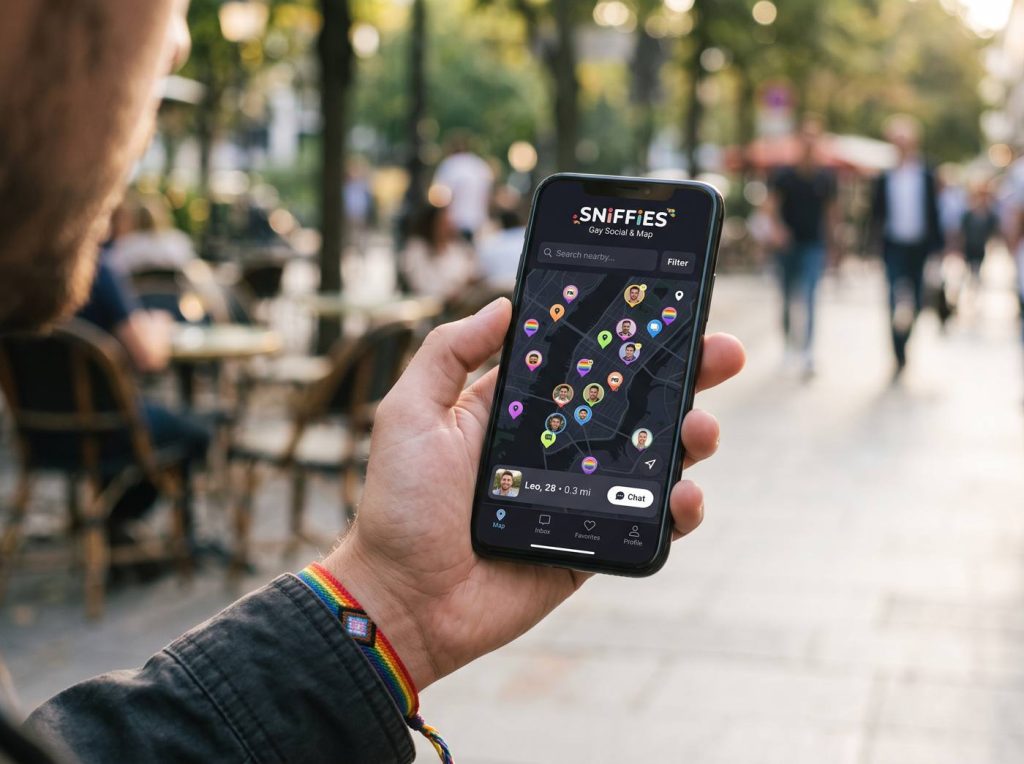
Added in April 2024, cruiser filters let you refine who you see on the map using criteria such as age, body type and other preferences.
How filters work
Set your preferences in the filter menu and the map updates to show matching profiles. Clear filters if the map looks empty.
Getting good results
Start broad and narrow gradually. Very tight filters in a quiet area can hide almost everyone.
Safety first: verify people before meeting, meet somewhere public first, tell a friend your plans, and never send money or verification codes. Read the full safety guide.
Respectful use
Filters are for your preferences; they're not a reason to message others negatively. Simply moving on is the norm.
Frequently asked questions
Why is my map empty with filters on?
Your filters may be too narrow for your area or time of day.
sniffie.blog is an independent guide and is not affiliated with Sniffies. For account help, use the official site.