Home / Devices
Sniffies on desktop
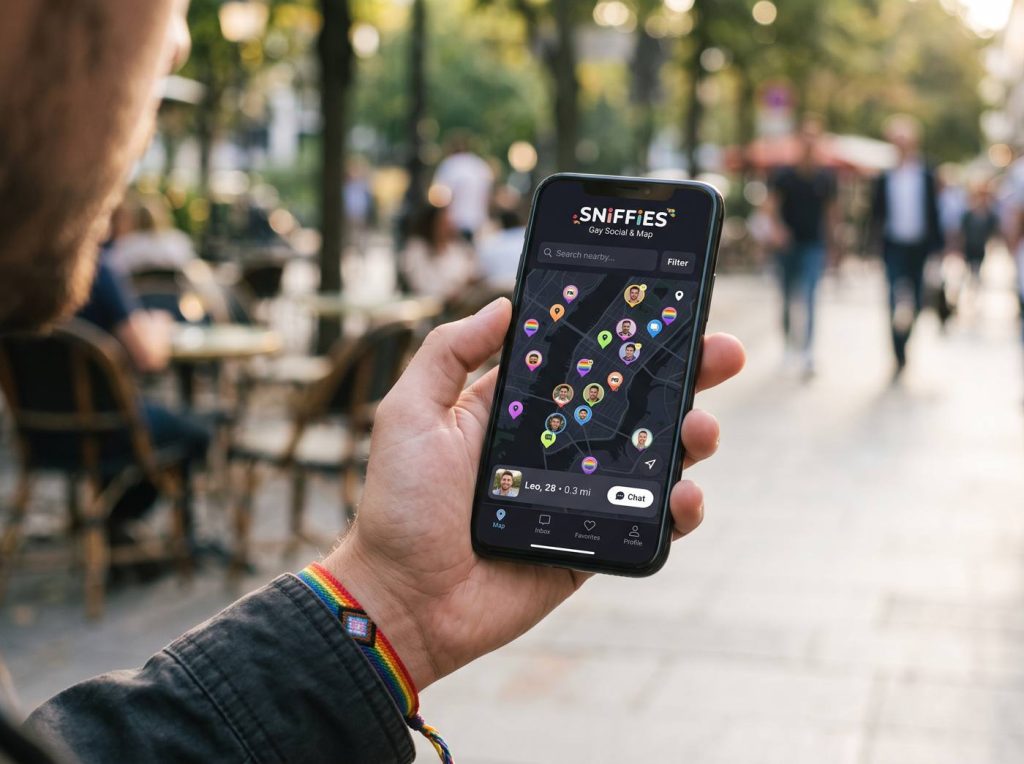
Sniffies works in desktop browsers too. The bigger screen makes the map and chats easier to manage, though location on a laptop is less precise than on a phone.
Getting started on a computer
Open the official site and allow location when asked. Desktop browsers estimate location from Wi-Fi or IP, so your position may be approximate.
Privacy on shared computers
Use a private window or a separate browser profile, log out when you're done, and don't save passwords on shared machines.
Safety first: verify people before meeting, meet somewhere public first, tell a friend your plans, and never send money or verification codes. Read the full safety guide.
When the map is wrong
Check your operating system's location services, then the browser's site permissions. A VPN can also shift your apparent location.
Frequently asked questions
Can I use Sniffies on a Mac?
Yes, in any modern browser.
sniffie.blog is an independent guide and is not affiliated with Sniffies. For account help, use the official site.