Sniffies on Android
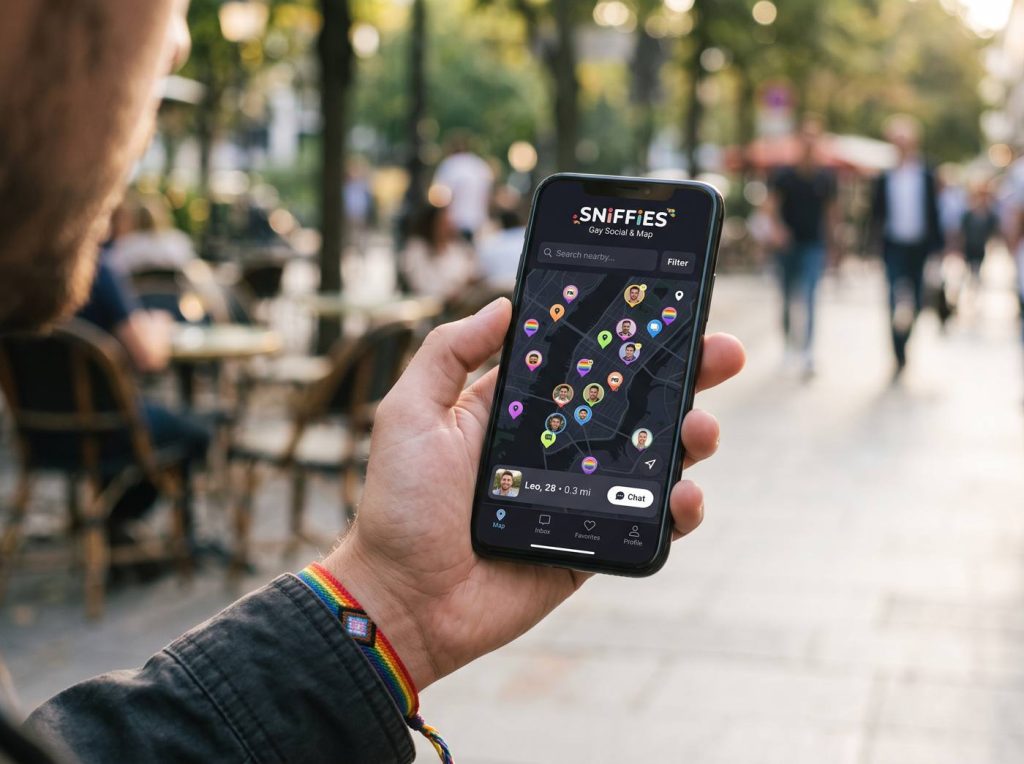
Searching for a Sniffies Android app or APK? There isn't an official native Android app. Android users get the full experience through the browser, and that's the safest route.
Why there's no Play Store app
Sniffies grew up as a web app, and app store content policies make explicit platforms difficult to list. The browser version gives Android users the complete map.
Warning about APKs
Pages offering a 'Sniffies APK' or 'Sniffies mod' are not official. Sideloaded apps can contain malware, steal logins or harvest your location. Don't install them.
Add Sniffies to your home screen
In Chrome, open the official site, tap the menu and choose 'Add to Home screen' or 'Install app' if offered. You'll get an icon that opens Sniffies directly.
Android settings that help
Set Chrome's location permission to 'Allow only while using', allow notifications for the site if you want alerts, and exclude Chrome from aggressive battery optimization if pages keep reloading.
Frequently asked questions
Is the Sniffies APK safe?
No. There is no official APK; avoid third-party downloads.
Does Sniffies work in Samsung Internet?
Modern Android browsers generally work; Chrome is the most commonly used.