How to use Sniffies
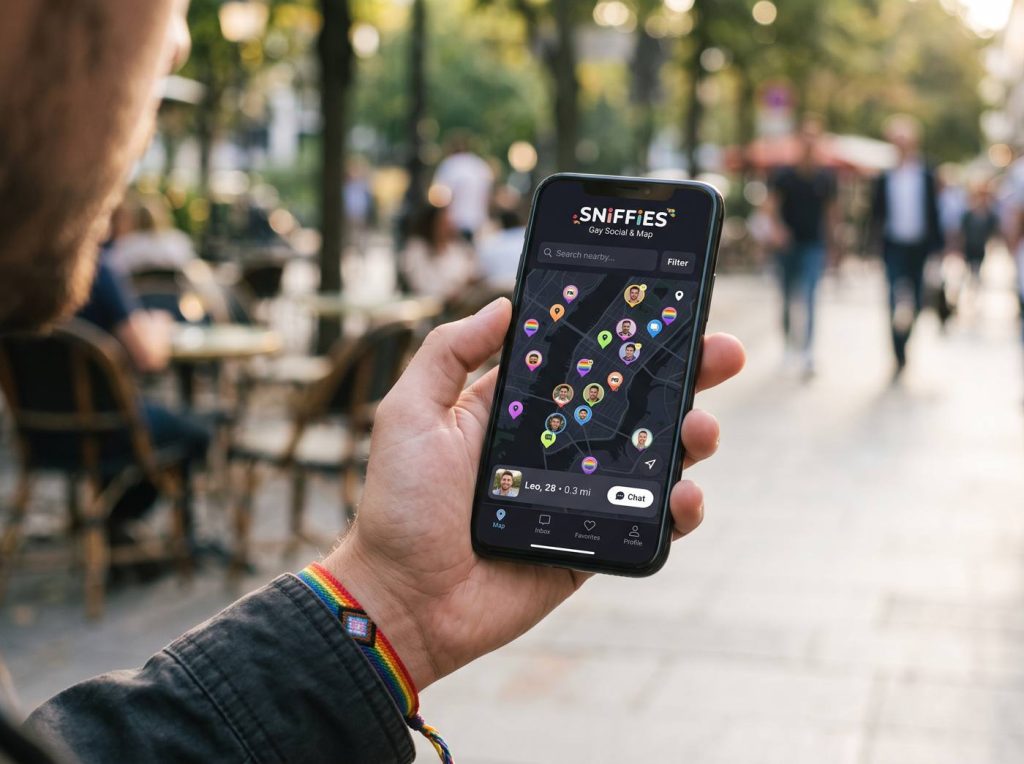
New to Sniffies? This guide walks you from your first visit to your first conversation, with the settings worth changing along the way.
Step 1: Open Sniffies in your browser
Go to the official sniffies.com site. Only use the official address; lookalike domains and unofficial APKs are a common scam route.
Step 2: Allow location
Sniffies needs your location to show the map. You can adjust how precisely you appear later, so don't skip the privacy settings.
Step 3: Browse first
Look around before you create anything. Tap icons to see how other people present themselves and what information they share.
Step 4: Create a free account if you want more
Some features need an account. Use an email address you don't use for work and a password unique to Sniffies.
Step 5: Set up a minimal profile
Add a short description and only the photos you're comfortable having seen. You can keep a face-free profile and share more privately in chat.
Step 6: Use filters and Vanilla Mode
Cruiser filters narrow who you see. Vanilla Mode blurs explicit images, which helps if you're browsing somewhere public.
Step 7: Chat, then decide
Ask questions, agree on boundaries and verify the person before meeting. Our safety checklist covers this in detail.
Frequently asked questions
Can I use Sniffies without the app?
Yes. The web app in your browser is the full version.
How do I hide my exact location?
Check the location and privacy settings in your profile; see our privacy guide.